Your guide is confirmed. Please don't close this page yet.

  1. 1 · Guide
  2. 2 · Vault
  3. 3 · Chatbot
  4. 4 · Lite

One last upgrade

Build your own AI chatbot, loaded with your market know-how.

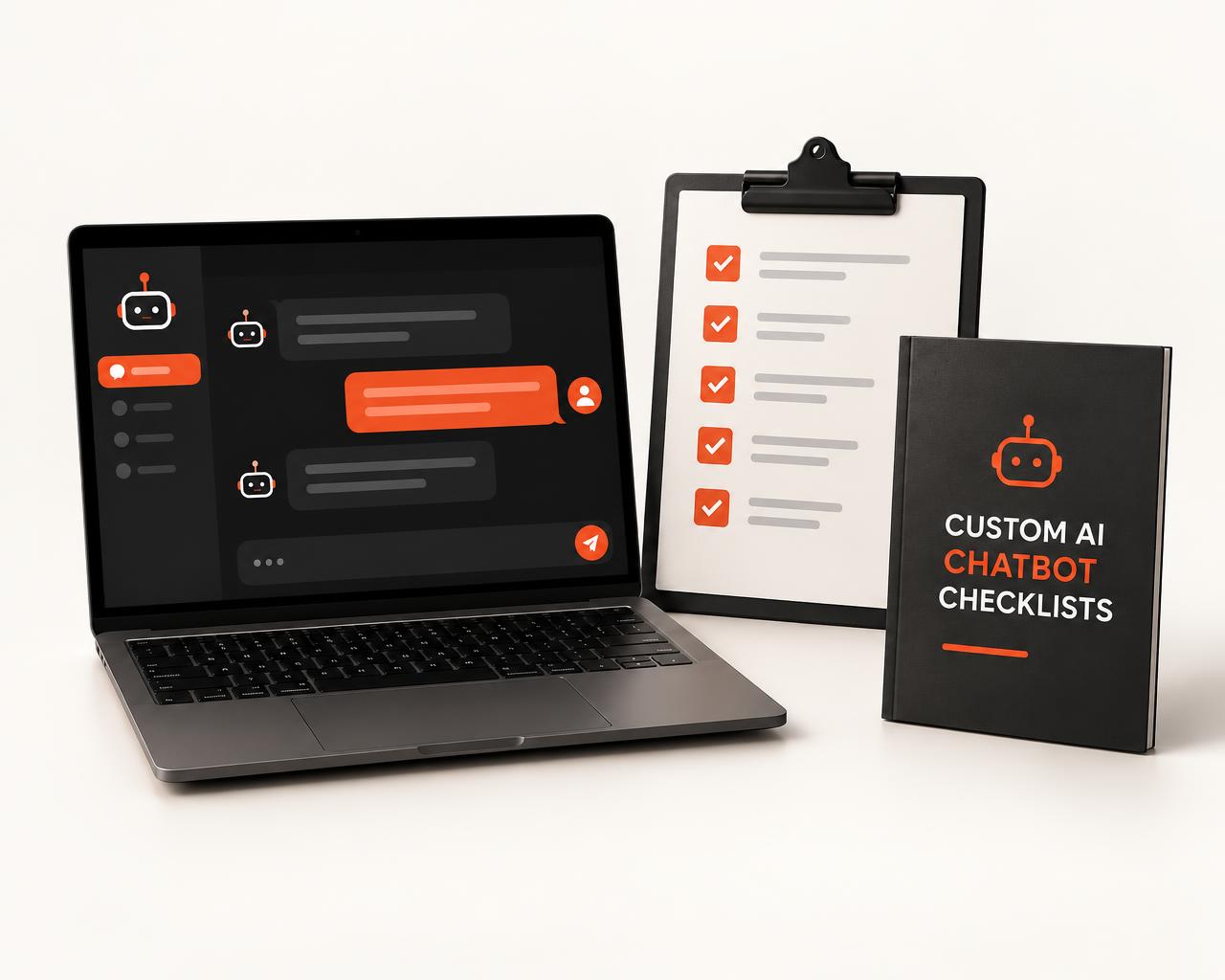
Custom AI Chatbot Checklists walk you through setting up a custom GPT that follows your instructions and draws on your own market summaries, neighborhood guides and FAQs. No coding — just tick each box.
  • 7 step-by-step checklists
  • 3 ready-to-use instruction templates
  • 30 test questions to check its answers
No thanks — I'll skip building my own chatbot.
Custom AI Chatbot Checklists booklet beside a clipboard checklist and a laptop showing a chat assistant

How it actually works

Loaded with your know-how. Not "trained" on it.

A custom GPT isn't retrained on your data. It follows the instructions you write and draws on the files you upload.

That's good news: you can set it up in an afternoon, and update it any time by editing its instructions or swapping in a fresh file.

The edge is simple — a chatbot that knows your market the way you've written it down, and a process you can repeat.

What's inside

From blank page to working chatbot.

Seven checklists, in the order you'll use them.

  1. 1

    Plan your chatbot

    Decide what it's for before you build anything.

    • Pick one job for it to do first
    • Choose who will use it — you or your clients
    • List the questions it should handle
  2. 2

    Write its instructions

    The instructions are what make it sound and act like you.

    • Its role and tone of voice
    • What it should always and never do
    • Fair housing guardrails
  3. 3

    Gather your files

    Load it with information you're free to share.

    • Your own market summaries
    • Your neighborhood guides
    • Your FAQs and process documents
  4. 4

    Build it step by step

    Click-by-click setup, no coding.

    • Create the custom GPT
    • Paste in your instructions
    • Upload your files and set conversation starters
  5. 5

    Test it before you rely on it

    Catch wrong or made-up answers early.

    • Run the 30 test questions
    • Check every answer against your files
    • Tighten the instructions where it slips
  6. 6

    Keep it up to date

    A quick routine so it never goes stale.

    • Swap in fresh market summaries
    • Add new questions clients ask
    • Re-test after every change
  7. 7

    Put it to work

    Start using it in your day-to-day, safely.

    • Answer your own client questions first
    • Review every draft before you send
    • Share it with clients when you're confident

Plus

3 instruction templates. 30 test questions.

Don't start from a blank page — start from a template, then prove it works.

Buyer question assistant

Answers common buyer questions from your FAQs and process documents.

Seller question assistant

Walks sellers through your process, pricing approach and what to expect.

Neighborhood expert

Draws on your own neighborhood guides and market summaries.

30

test questions to run against your chatbot before you rely on it — so wrong or made-up answers never reach a client.

Straight talk

What this can and can't do.

So you know exactly what you're getting before you buy.

It can

  • Draft replies in your tone, using the files you've loaded
  • Answer common buyer and seller questions from your FAQs
  • Pull details from your own neighborhood guides
  • Give you a consistent first draft every time
  • Be updated any time by swapping in new files

It can't

  • Know live listings or today's prices unless you give it that information
  • Learn on its own — it follows your instructions and draws on your uploaded files
  • Replace your judgment, your license, or legal and contract advice
  • Guarantee every answer is correct — always review before you send
  • Promise more leads, listings or income

Creating a custom GPT needs a ChatGPT plan that includes it. Check your plan before you start.

Before you upload anything

Check your MLS rules first.

Many MLSs restrict uploading their data to outside tools — including AI chatbots. Check your MLS's rules before you upload any listing data.

That's why the checklists build your chatbot from information you're free to share.

What you'll load it with

  • Your own market summaries
  • Your neighborhood guides
  • Your buyer and seller FAQs
  • Your process and service documents

Add it now

Your market know-how, on call whenever you need it.

One click adds Custom AI Chatbot Checklists to today's order. You'll get it with your guide.

No thanks — I'll skip building my own chatbot.

You'll get

  • 1Plan your chatbot
  • 2Write its instructions
  • 3Gather your files
  • 4Build it step by step
  • 5Test it before you rely on it
  • 6Keep it up to date
  • 7Put it to work
  • Instruction templates3
  • Test questions30
One payment$37